

Getting started
How to update your profile and notifications
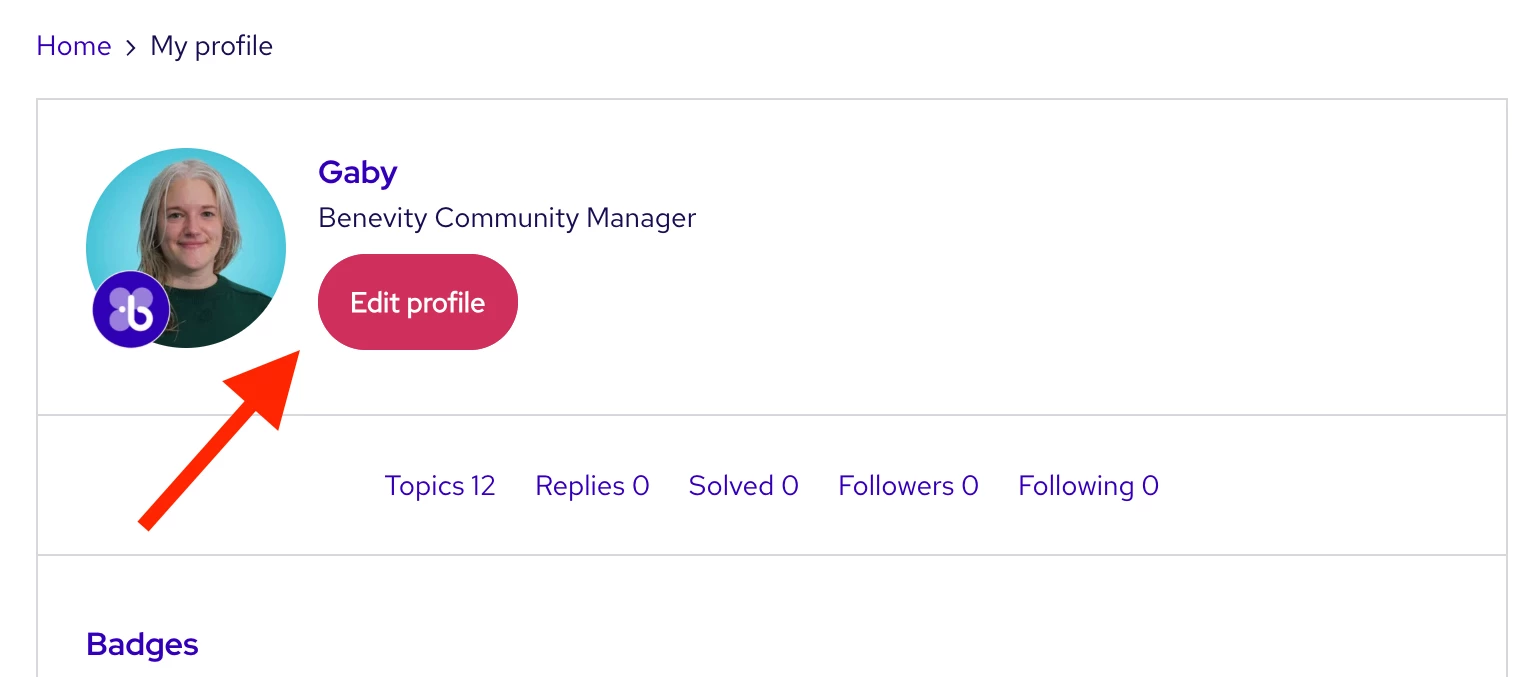
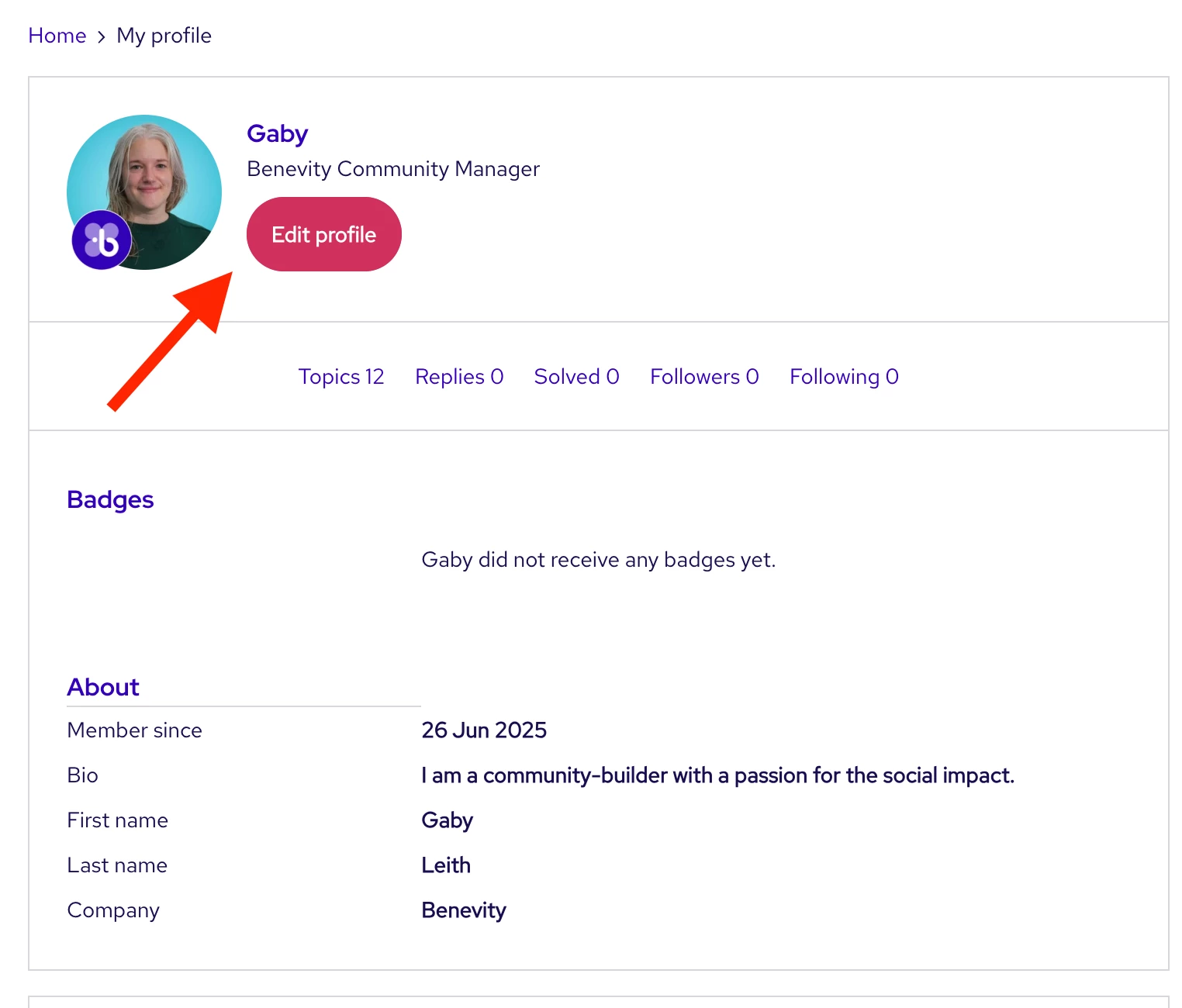
Update your profile
Here’s how:
- Click your avatar and then click Settings
- Update your new avatar by clicking Edit or Remove avatar to then upload a new picture.
- Fill out the fields below your avatar to share where you’re from, what you do, and who you are.
- The Forum Signature box is the very last field on this page!
- Click Save changes when you’re done

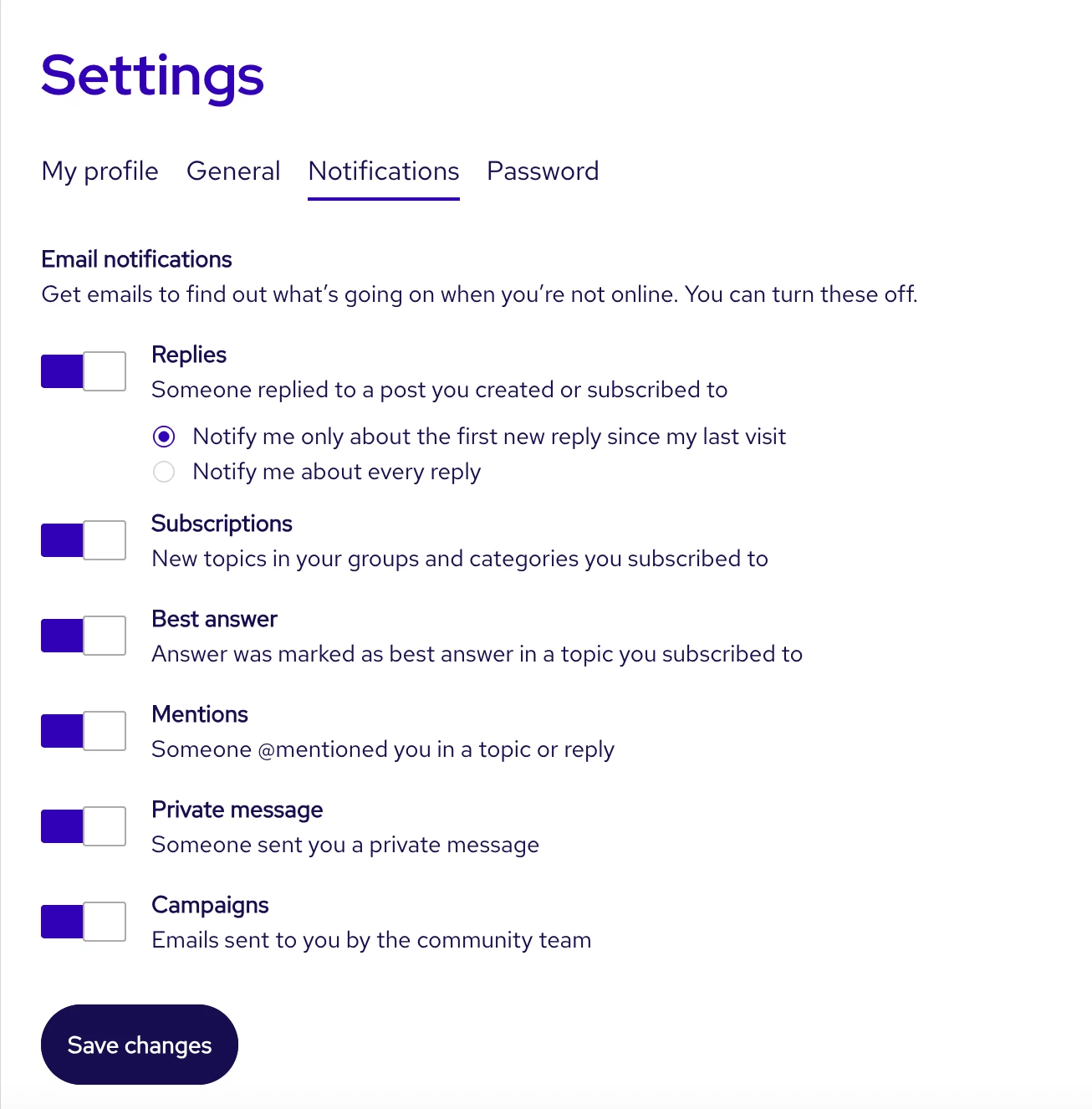
Update your notifications
To customize what you’ll get notified about in the Community:
- Go to Settings through your avatar at the top right
- Select Notifications which is the 3rd tab
- Click through which notifications you’d like to receive (or not receive) and then click Save changes
Subscribe to specific sections
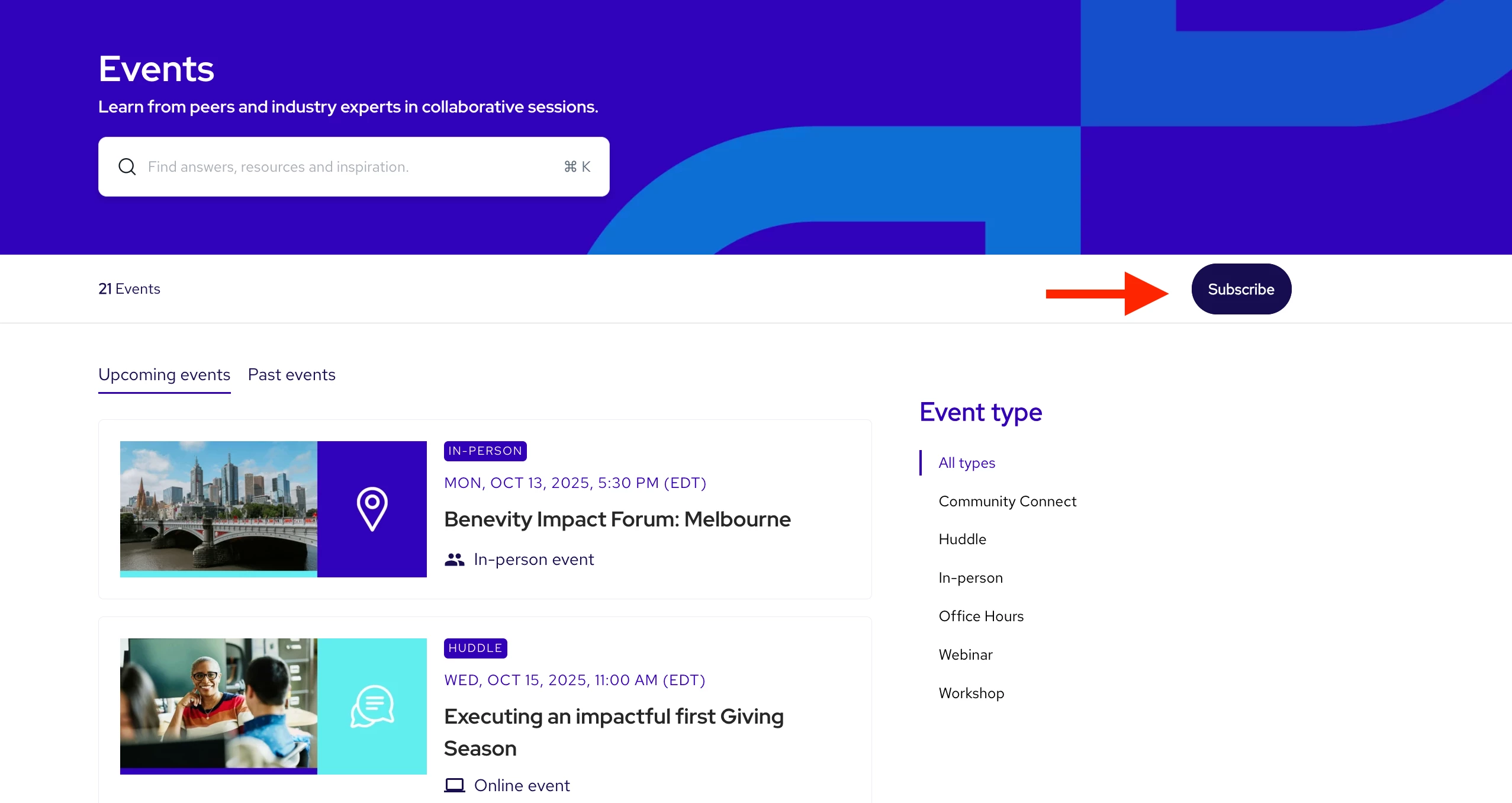
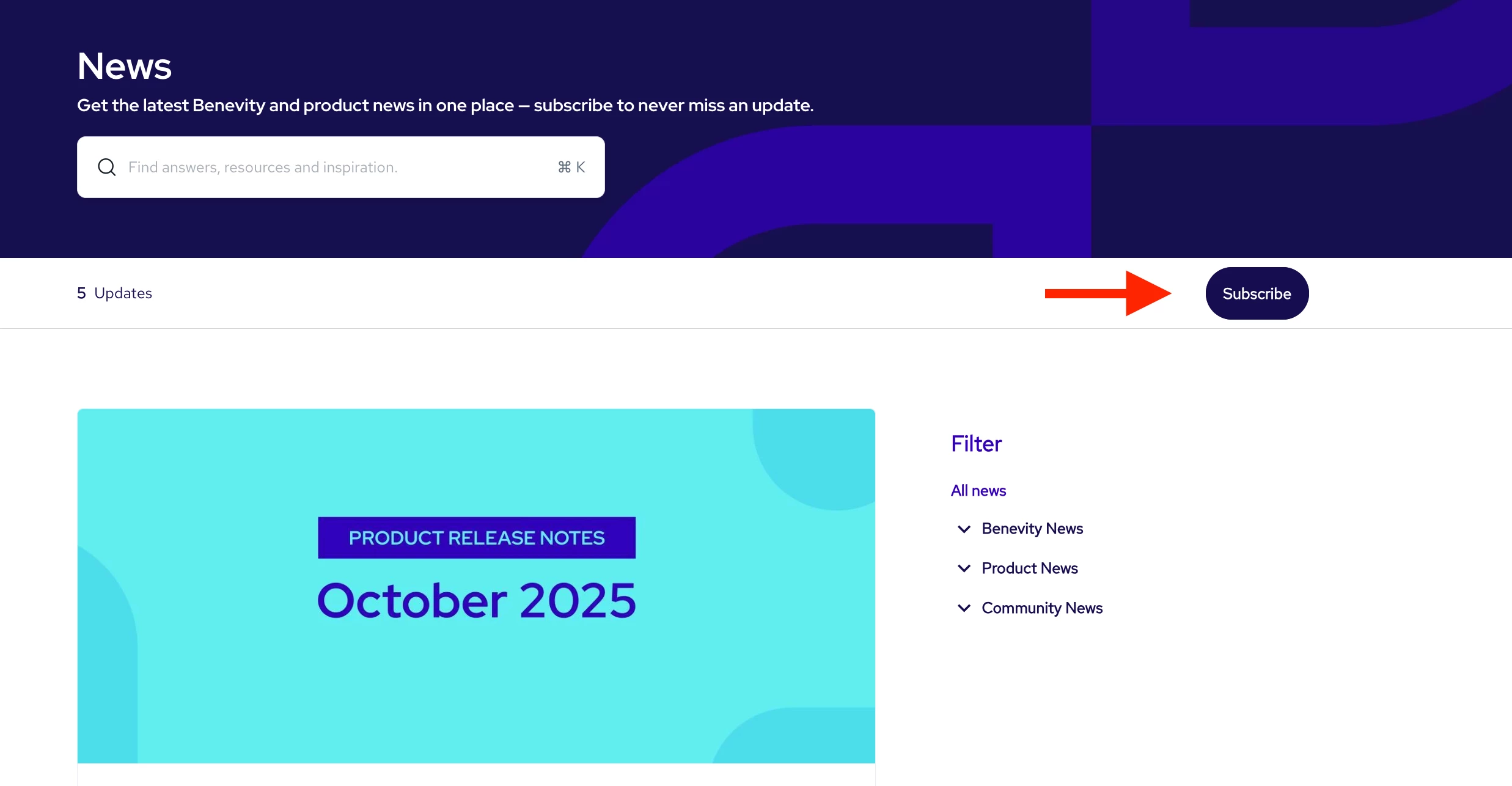
Subscribe to the Events and News sections to never miss an update!